How to run Minecraft Java on Dedicated GPU - Laptop User Guide
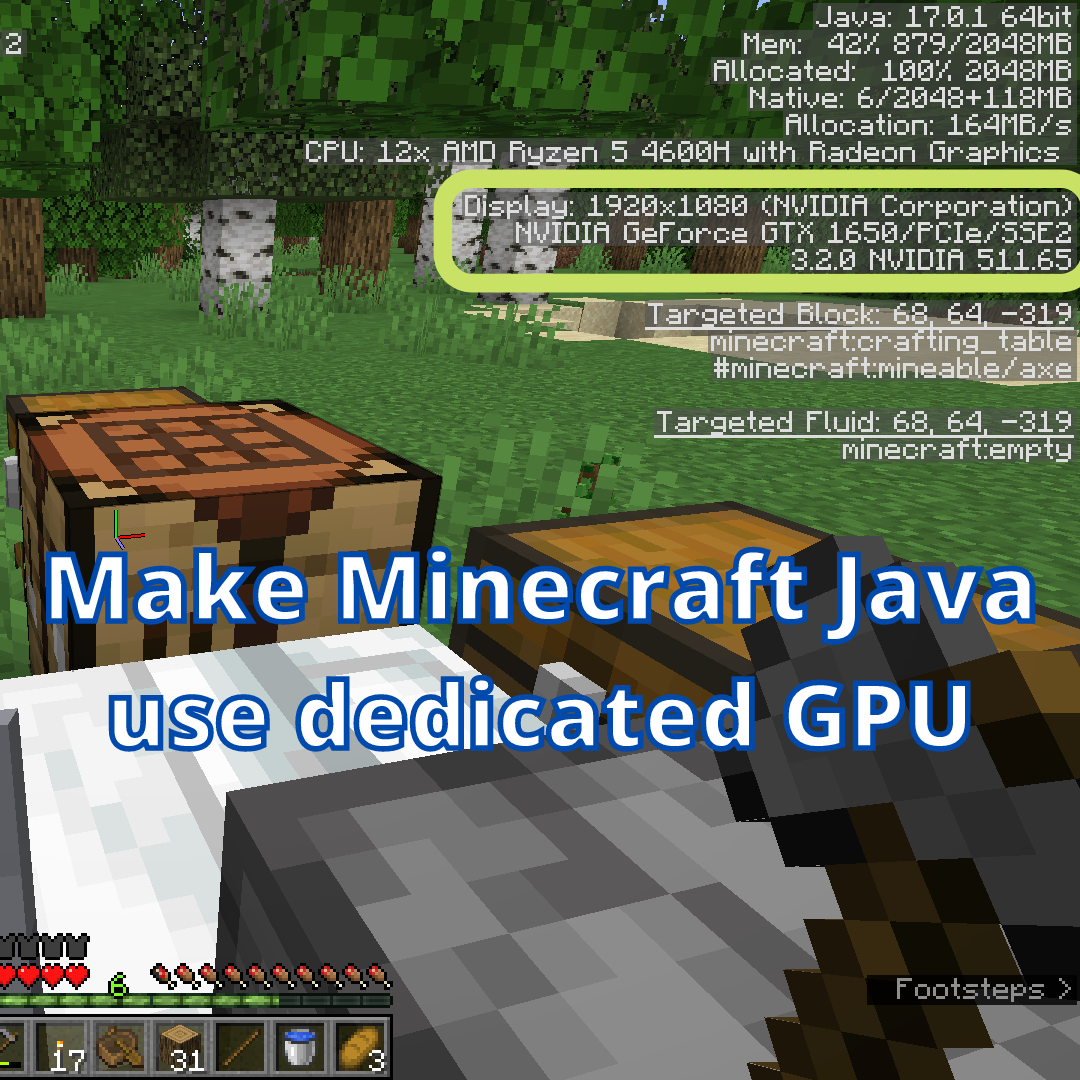
I have been on Linux for a while and haven't used Windows for almost a year. Just a couple of days ago I installed Windows 11 on my Laptop. So I faced the issue that I almost forgotten about, Minecraft Java was running on iGPU(RX Vega 6 in my case) instead of GTX 1650 Max Q. While my iGPU is more than enough to play Minecraft with smooth FPS, running shaders will require the dedicated GPU. Now that issue is also present on Linux as well, because graphical requirements of Minecraft is so low that it will run just fine on any recent processor with iGPU. But the solution to this issue in Linux was very simple, all I had to do was right click and select "Launch using Dedicated Graphics Card". Unfortunately windows doesn't work that way. It has been so long that I forgotten the path to Minecraft Java executable in Windows system, so like any other user I turned to Google. Then I realized that top results on Google are outdated. Example Article 1 Example Article 2 Update...