Posts

Showing posts with the label Fix

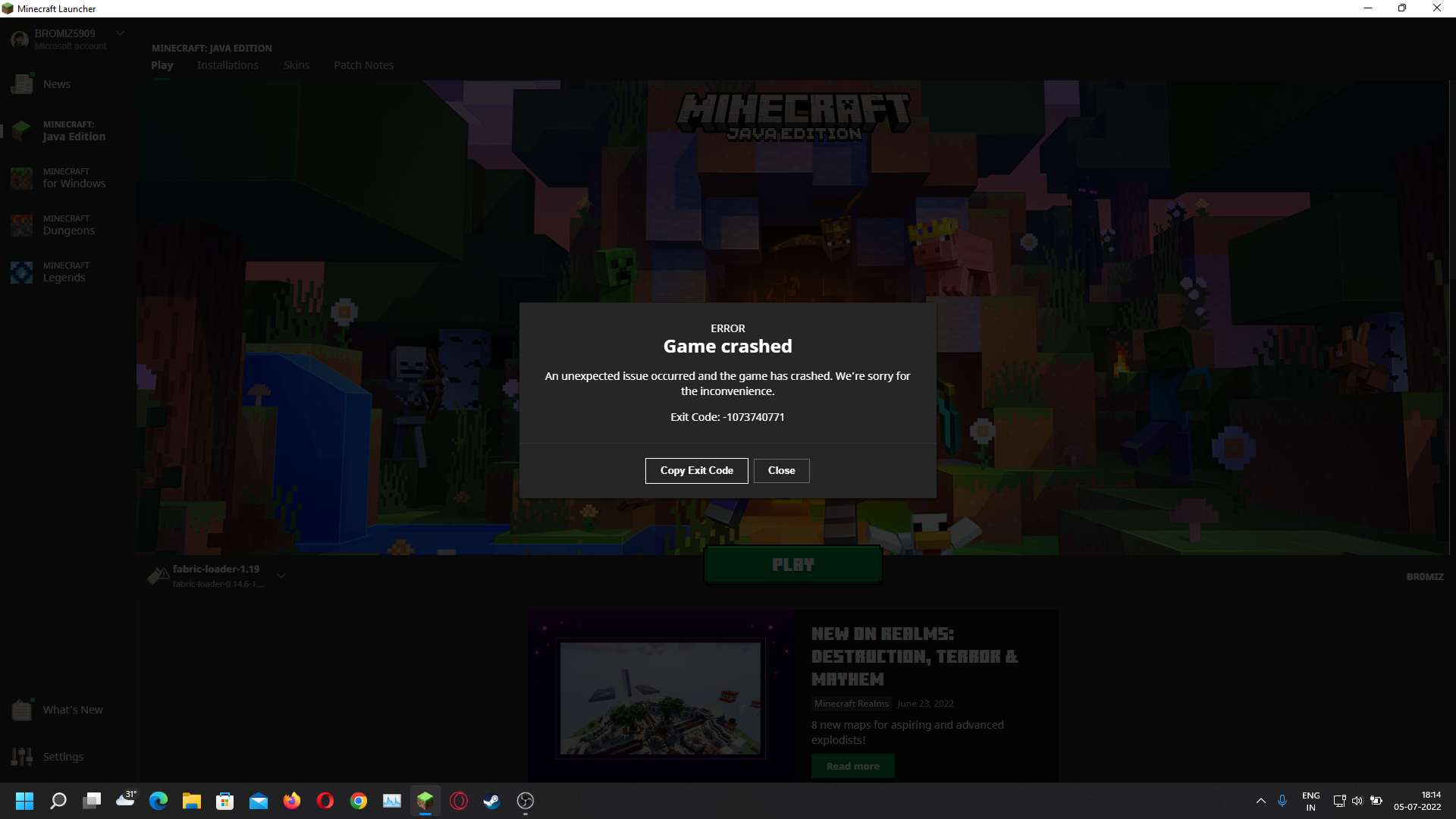
Fix Minecraft crashing with OBS
Image
  Disclaimer: This is neither a guaranteed fix nor a reliable one, just my findings as a Minecraft content creator. Issue symptoms: When running Minecraft Java Edition and OBS together, Minecraft often crashes, specially when you minimize Minecraft for a moment. If your symptoms aren't like that, feel free to stop and look for solution elsewhere. Also I'm on a laptop with Nvidia GPU, if you don't have Nvidia GPU, then this article is useless for you.  How did I fix my Minecraft crashing with OBS? Like I mentioned, I use a laptop with Nvidia GPU. All I had to do was to open GeForce Experience app, click settings(gear icon pointed by the hand on top right) and enable In-game overlay(enclosed in white rectangle).  Once again, as I mentioned in the beginning, this isn't a guaranteed fix. But it stopped crashing my Minecraft for my case. If this works for you then do let me know in comments. If it doesn't work then I am truly sorry but I don't know any other solutio...
How to fix Tata Sky Pairing Error code 14

Image
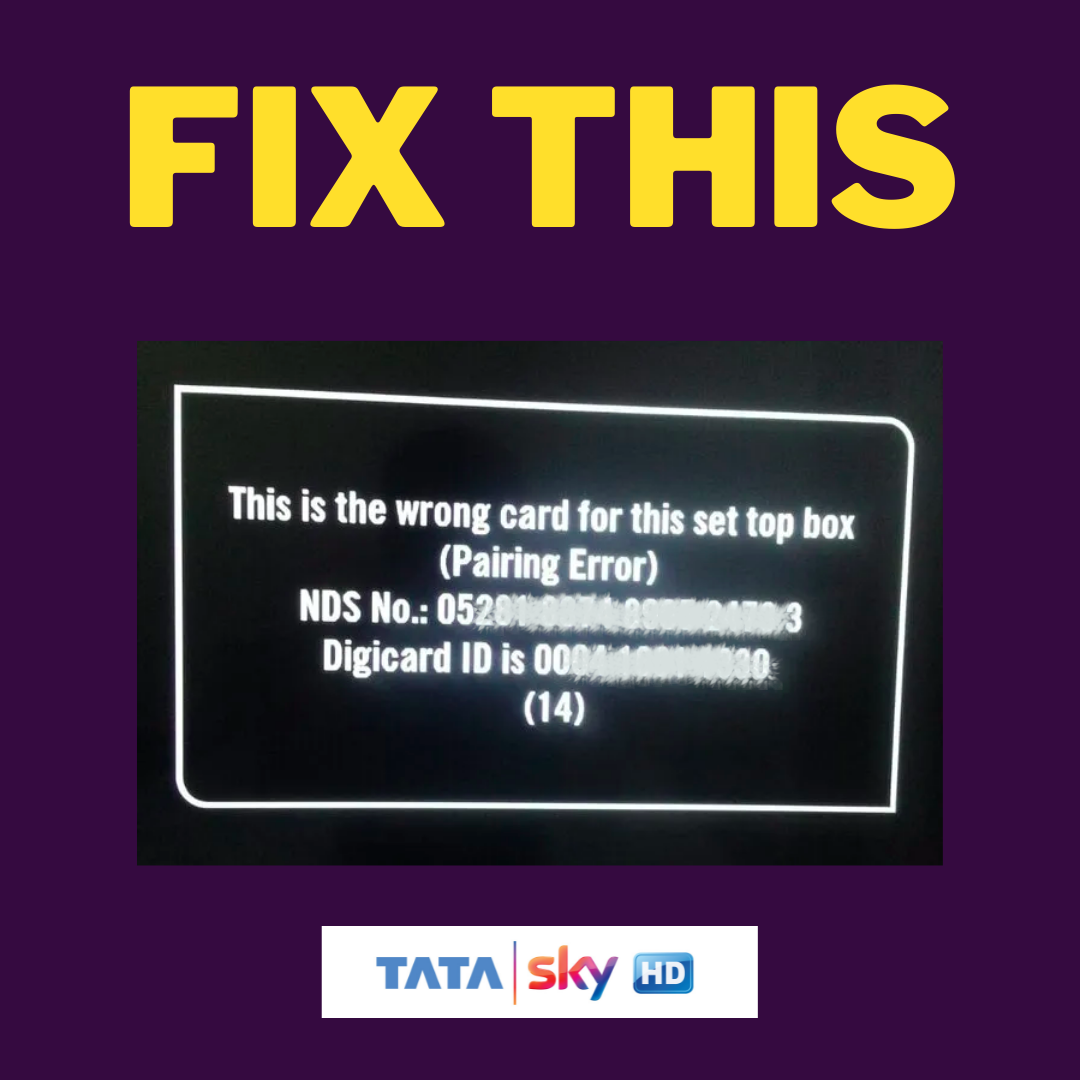
Last night when my parents turned on the TV, they got the following error message: This is the wrong card for this set top box (Pairing Error) NDS N0.: ***** **** **** **** * Digicard ID is **** **** **** (14)   So like any other user, my first instinct was to switch off the set top box then turn it on again. When it didn't work, I removed the card, cleaned the dust and re-inserted it. Still no result.  That's when I turned to Google for solution as it was late at night and the Tata Sky office/outlet near me was closed. After going through the Google search results, I realized that it is a fairly common issue with a lot of Tata Sky user. The default channel(Channel 100) works fine but as soon as you try to watch any other channel, you are greeted with above error message.  So what is the reason behind this error? A lot of the articles said that it generally happens when you stop recharging for a while and then recharge it or when you recharged your Tata Sky, your TV(...

Fix 'AdSense doesn't know about your blog' and grayed out dashboard options

Image
If you Google 'AdSense doesn't know about your blog', the top results will tell you to manually add your blog link in the sites option from your AdSense dashboard. But what if you're an unfortunate person like me whose AdSense dashboard is grayed out for most options? If you're facing the same issue, then you've come to the right blog. I'll tell you exactly how I fixed my issue.  Can't add your site/blog link because the sites option in AdSense is gray/unclickable?   Recently I applied to monetize my blog. It clearly mentioned that "AdSense is reviewing your site. For some publishers the activation process can be as quick as a day and for others it can take several weeks". So I started waiting and kept waiting for almost a month and got impatient because I got no mails, no notifications, nothing. By now I knew something went wrong and started looking for answers. I found out that I'm not the only one facing that issue but the numbers ...

[Updated May 2021] How to fix Amazon Prime Video PLAYBACK_RENDERER_ERROR in Android Phones

Image
If you have somewhat capable Android phone with Android 10(common traits of the devices facing this issue), you might have faced this error. It looks something like this So what do you do? Your first instinct would be to google Playback Renderer Error and look for solutions. Most people would do the same instead of contacting customer service(link to which is provided in the error message itself). Why? Because chances of getting a customer service representative who can actually solve your issue without wasting your time is pretty low. So, you googled Prime Video Playback Renderer Error and followed some links in the search results. What are the solution? Let me guess, most of them tell you these three solutions Clear cache & data and then try again Uninstall the app, restart and then install again Try different version...