Posts

Showing posts with the label Guide

Beginner Microphone Guide

Image
 Since the pandemic, there has been rise in work from home culture as well as content creations. While many of work from home jobs don't require you to have a camera and microphone, content creation often require both. Where buying a camera is typically "you get what you pay", buying a microphone gets a bit more complex. To put that into perspective, there are just 3 major camera types(we're talking about reasonable budget here): Webcam, DSLR and Mirrorless. Webcam is best for regular office meetings and online classes, even livestreaming if you just started. On the other hand, DSLR and Mirrorless cameras are for more professional look and outdoor usage, like vlogs and music/skit videos.  But if you search microphone on any shopping sites then you will get all sorts of results with audio jargons like Lavalier mic, condenser mic, USB mic, XLR mic, shotgun mic, etc. I will not go in depth with all the available mics for 2 reasons, first, there are just way too many vari...
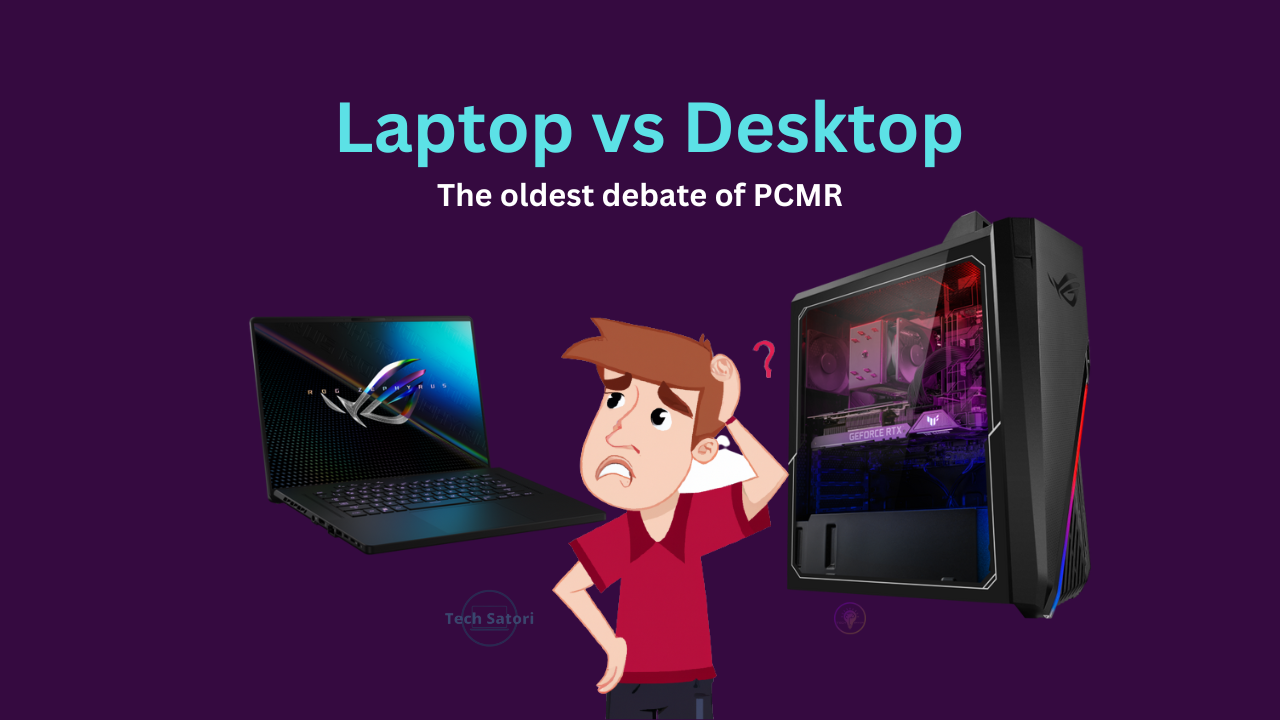
Laptop vs Desktop - Which is better for you?

Image
 This has been a topic of debate among PC community ever since truly portable laptops became as affordable as desktops. People still go through the dilemma of choosing one of the two. I have previously addressed the topic briefly on this article but it was targeted to gamers only. But this time, I'll try to address all user group.  Here's a TL;DR version for those who don't have time. If you do any type of work that puts your CPU or GPU under 90-100% sustained loads quite frequently like rendering/exporting Videos, 3D renders, etc, get a desktop. Laptop is for those who absolutely "REQUIRE" portability. Laptops don't only heat up faster than a desktop, they hit thermal throttling easily as well due to inadequate cooling. My laptop's CPU is rated to boost up to 4GHz but under sustained loads, it struggles to maintain even 3.5GHz. So a cooling pad is recommended for heavy loads.  Before we get into user requirements, let's look at fundamental difference...

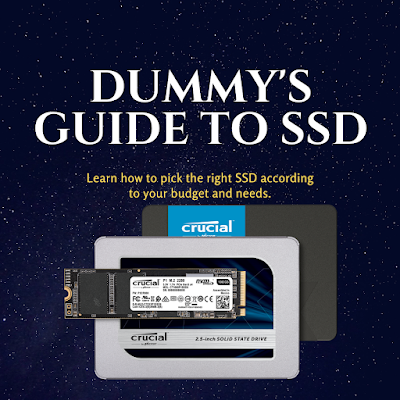
Dummy's Guide to SSD shopping

Image
  Since the motto of this blog is "to simplify tech for general(non techie) people", this time I'll simplify SSD for you. If you ask for PC build advice, they'll say "you must get SSD", or if you're a laptop user looking for tips to make it more snappy, "install SSD" is the first advice you'll hear. But how do you know which SSD to buy? Most of them just advice you to buy SSD but don't mention which one, or they recommend a top end SSD that completely offsets your budget by a huge margin. So I'll try to give you a simplified general knowledge of SSDs so you can pick the best one according to your budget. This post is basically a compilation of frequently asked questions that are asked by non techie SSD shoppers. TL;DR [If you don't care about all the jargons and just want to know the best type of SSD for your use case.]  All SSD types ranked by performance(the terms used here will be mentioned on online SSD l...

Blockchain, Cryptocurrency, Bitcoin - What are they?

Image
 Anyone following technological trends has probably heard of these words. Even regular people might have come across these terms when the value of Bitcoin reached 5 digits(in USD) in late 2017. But even after 3 years of that incident, these words are just fancy jargon(s) comprehended by nerds. Regular people know these words but don't fully understand them. Since this blog is dedicated to computers and gaming, I feel like I should address them because Crypto-miners are directly affecting GPU prices and availability to this day. The motto of this blog was to simplify tech for general mass, so here's my attempt at simplifying cryptocurrency. What is Blockchain? I'm starting with blockchain technology first because without it, cryptocurrencies like Bitcoin wouldn't exist(in fact, blockchain was originally invented to create the Bitcoin).  A Blockchain is a decentralized ledger for all transactions across a peer-to-peer network.  S...

The Ultimate Laptop Buying Guide For Students

Image
 I recently posted a best laptop roundup. But it was very 'generalized' list, it didn't cover all the budget and use case scenarios. Realistically, no one can cover every single budget and use case scenarios in a single post. It would be more like writing a book. So, in this post, I'll be targeting a specific user base, students.  First, we need to categorize students based on their requirements/workloads. We can put students in following categories of users: Light Users : They don't require a very high end system. All they need to do is make presentations, digitally document projects for printing, browse the internet, watch tutorials on YouTube or other educational sites. Examples of such students are: Literally any student who has not taken programming related course. Moderate Users : They require slightly more powerful systems, but not high end ones. Example of such workloads are coding, web design, graphics design. These works can also be done on low end systems...

Answering some PC Building Questions

Image
In this post, I'll answer some of the common questions that most people ask when they're buying a desktop PC. Note that, I'll emphasize on the most ideal or sensible choice but your budget might restrict you from doing so. Therefore you must ask yourself that where can I make compromises without risking the overall quality of your build. AMD or Intel? One of the the biggest question since AMD introduced their Ryzen lineup. As I already mentioned in one of my previous posts, it depends on your budget and your requirements. But to summarize, Intel is more suitable for the people willing to spend extra to get better single core performance(example, hardcore gamers). AMD, on the other hand, offers value for money. If multi-core multi-threaded workloads are more of your thing(example, video editing) then AMD provides much better performance than a similarly priced Intel processor. Stock vs Aftermarket cooler? If yo...

Budget PC for Home & Office usage and students under ₹15000-20000

Image
In one of my previous posts, I wrote about PC components but didn't share PC builds. This post will be one of those where I just share the PC builds.  Cheapest Home/Office use PC Processor Athlon 200GE 2 cores 4 threads 3.2GHz  Vega 3 integrated graphics Default TDP: 35W Average price: ₹3600-3900(if someone is asking more than that consider different sellers or different builds) This little guy is often underestimated. In countries like US and UK, you can find some really powerful used processors at the same price, so they(US based tech youtubers, who have huge following in India too) highly recommend those processors over this. But here in India, things are different, used markets are not for everyone. Try searching Ryzen 5 1600 on OLX. If you remove location(ie nationwide search), even then you'll find hardly 5-10 listings at approximately same price as buying new(new costs around ₹9000-10000). And on top of that, the listing would be from a different city, or even different...

Minecraft for beginners

Image
Minecraft, one of the few games that never dies. If you check trending games on YouTube, you'll find it on top 10. It's been on top 10 for quite some time. Infact you'll probably find it trending on majority of streaming platforms as well. And it's trending for a reason, two actually It runs on potato: if you have a working PC, you can probability play it. There's no fixed way of playing it: there's no story mode, you can make your own story. The game ends when you end it, there's no winning or losing scenario. When I first tried Minecraft, I was totally overwhelmed. I had zero idea of how to play survival Minecraft. And in early days, the handy recipe book didn't exist. Either you had to figure out everything on your own of you had to refer to online resources(tutorials, wiki, etc). Even with recipe book, you can still get confused on your first t...
