Posts

Showing posts with the label Tips and tricks

Are you overspending on certain PC component?

Image
 Just recently I wrote an article about picking right PSU for your build. But a lot of times people pick bad PSU not because of their knowledge(or lack of), but because of their limited budget. It is very easy to spend more money than it was needed to on certain components, resulting in shortage of money for other components, which in turn means bad selection of other components. But there is solution to this too.  First step to finding the solution to any problem is to identifying the problem itself. So here are the common ways people end up overspending in some areas. CPU cooler It might seem like the odd one because a lot of the time people are suffering from overheating issues because they didn't pick a proper CPU cooler. But that's also the main reason people overspend on CPU cooler. If you are active on PC communities online(Facebook groups, forums, reddit, etc.), You'll see a lot of people asking for help because their CPU temperature is 90-99 degree Celsius. So a lo...

Are you cheaping out on PSU? Pick right PSU for your build.

Image
  You might've heard a lot of tech influencers and even people on public PC forums multiple times repeating the same statement over and over again, "Never cheap out on PSU".  But the issue is, an average consumer might not be able to differentiate between a good PSU and a bad PSU. While most of them could be aware that 80+ Bronze rating or higher is better, only a few of them know that it doesn't necessarily translates to longevity or reliability of the unit. Yes, looking for 80+ Bronze or better automatically eliminates a lot of bad PSUs from options, but there are bad options in higher rated PSUs too. Best example of this was Gigabyte's exploding PSUs in 2021. What makes it worse that they weren't just cheap models, 750 and 850 watt 80+ Gold rated PSUs were also in the batch of exploding PSUs too.  That incident triggered a rise in popularity of "PSU tier list(s)" among new PC builders and shoppers. Earlier PSU Tier List on LTT forum was probably ...

Stay safe as a growing YouTuber and a Content Creator

Image
 A lot of people nowadays are actually following their passion instead of getting 9-5 jobs. That's because there are various options to earn online doing what you love.  You love writing? You can start a blog. You love dancing/singing/gaming? You can start YouTube/Tiktok/Reels. There are multiple ways of monetizing your hobby/talent today. But with that many options, risk of getting scammed is also getting higher.  If you are a smaller creator, you may have noticed that getting monetized is step 1 of the long term grind. Getting enough traffic to generate sustainable income is the next challenge. Even this blog doesn't generate enough revenue from AdSense to depend on it as the primary income source. So the creator looks into other ways of making money and the top 3 options are Affiliate links Sponsorship Collaboration Out of these three, Affiliate links are the safest option as you simply apply for a affiliate program, if you match the company criteria, you'll get accept...

Laptop vs Desktop - Which is better for you?

Image
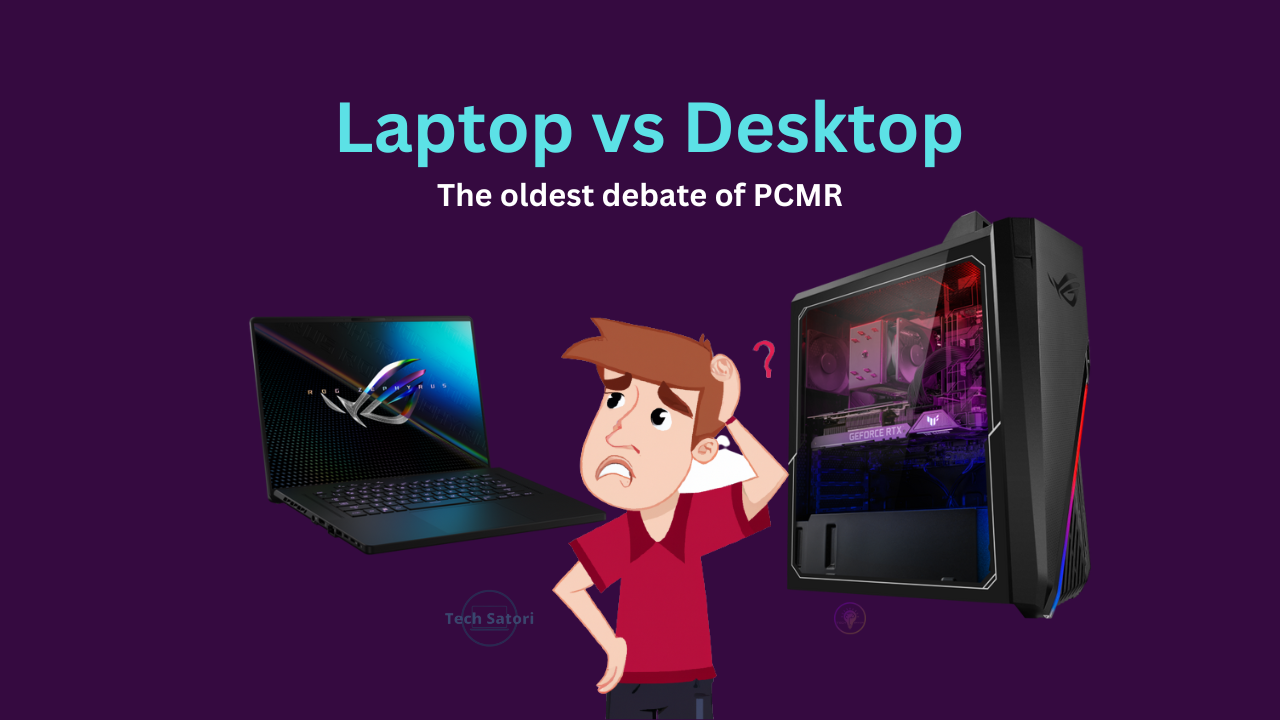
 This has been a topic of debate among PC community ever since truly portable laptops became as affordable as desktops. People still go through the dilemma of choosing one of the two. I have previously addressed the topic briefly on this article but it was targeted to gamers only. But this time, I'll try to address all user group.  Here's a TL;DR version for those who don't have time. If you do any type of work that puts your CPU or GPU under 90-100% sustained loads quite frequently like rendering/exporting Videos, 3D renders, etc, get a desktop. Laptop is for those who absolutely "REQUIRE" portability. Laptops don't only heat up faster than a desktop, they hit thermal throttling easily as well due to inadequate cooling. My laptop's CPU is rated to boost up to 4GHz but under sustained loads, it struggles to maintain even 3.5GHz. So a cooling pad is recommended for heavy loads.  Before we get into user requirements, let's look at fundamental difference...

Future Proofing Your PC Build - Are you doing it right?

Image
 If you're into PC building or saving up for a build while looking at guides and asking around online for advice, then you might've come across the term "Future Proofing". But people seem to be misinformed on the topic and make bad decisions. I'm not saying future proofing is bad, but it is more to do with the user itself than the PC build, so if you do it wrong, you'll end up loosing money instead of saving some. So what do I mean by "You're doing it wrong"? Like I mentioned earlier, it is more about the user than the PC itself. Some people don't need to have latest and greatest, if they build a decent PC now, they won't need an upgrade for at least 5-8 years. I'll admit that most of such people typically don't need a lot compute power and typically would be fine with any pre-built PC. So let's consider the remaining group of people, namely gamers and content creators.  These people can further be divided into three groups Pu...

Are you overspending on SSD?

Image
 Those who know me personally, they see me sharing a lot of SSD deals time to time on my social media. But recently encountered someone who was intent on getting a Gen 4 SSD for his budget gaming laptop. Now I get that it's his money, he can buy whatever he want as long as his PC supports it. But it was a clear example of overspending on something that you may not need.  I wrote an article last year explaining different types of SSDs. It can give you basic understanding of various types of SSDs and their best use case, but it still doesn't clarify which SSD should you be getting and when you're overspending. So I'll try to do that in this article. Can you see the difference between SSD types? While it is clear that Gen 4 PCIe SSDs are faster than Gen 3 and Gen 3 is faster than SATA SSDs, also Gen 5 SSDs are nearing launch which will fastest of all. But choosing the fastest isn't always the best choice. Specially when you're o...

Where did my Whatsapp folder disappear to?

Image
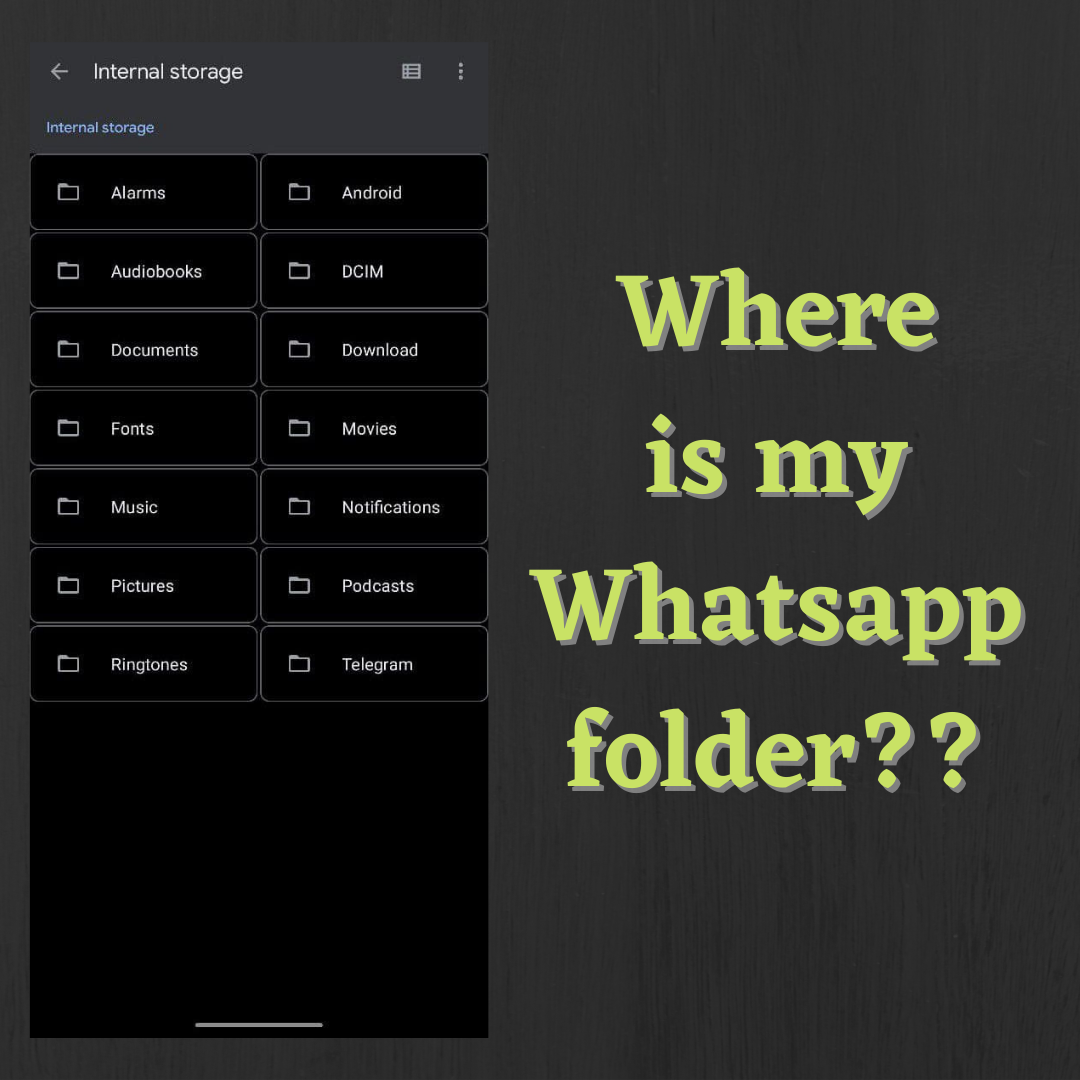
  In a recent update(about 2 weeks ago), Whatsapp moved its default location in your phone storage. I didn't pay much attention to it because being a nerd, I can always locate my files anywhere inside my phone storage with no issues at all. But just yesterday when my friend(who recently got a new phone) asked me where is Whatsapp folder, I realized that there are many people with entry level Android phones with 16 or 32GB internal storage. They constantly need to delete unnecessary files to keep their phone working smoothly. Deleting Whatsapp's sent media and old backups is crucial to them.  If you have old device then the folder may still be there like it is on my phone. But there are no new files being created.  Old folder still exist on my phone So basically you don't see any unwanted files being created by Whatsapp yet your storage keep filling up.  Without wasting any more of your time, here is the new storage location for Whatsapp. New storage location of whats...

Dummy's Guide to SSD shopping

Image
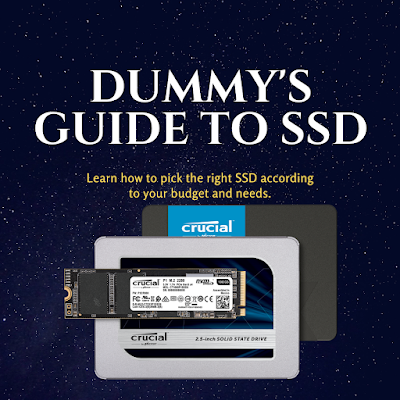
  Since the motto of this blog is "to simplify tech for general(non techie) people", this time I'll simplify SSD for you. If you ask for PC build advice, they'll say "you must get SSD", or if you're a laptop user looking for tips to make it more snappy, "install SSD" is the first advice you'll hear. But how do you know which SSD to buy? Most of them just advice you to buy SSD but don't mention which one, or they recommend a top end SSD that completely offsets your budget by a huge margin. So I'll try to give you a simplified general knowledge of SSDs so you can pick the best one according to your budget. This post is basically a compilation of frequently asked questions that are asked by non techie SSD shoppers. TL;DR [If you don't care about all the jargons and just want to know the best type of SSD for your use case.]  All SSD types ranked by performance(the terms used here will be mentioned on online SSD l...

Ransomware - types and prevention

Image
Ransomware attacks are not as common as computer viruses but I still encounter people asking for help every 2-3 months. Just last week I came across such victim and decided to write about it.  What is Ransomware? Ransomware is a type of malware. But unlike your typical computer viruses, they encrypt/lock user's files and demand ransom for unlocking them. Hence the name "Ransomware".  Types of Ransomware Ransomwares can be divided into two categories by their behavior: Crypto-Ransomware : They target files on the victim's computer. The victim can access the computer and see the files but can't open it because the encrypted files are not recognized by any software.  Locker-Ransomware : These target the OS itself. The victim is locked out of their system and often their Keyboard & Mouse are also disabled.  How to get rid of the Ransomware? Unfortunately, once you are hit by a Ransomware, there's not much you can ...

What is the purpose of Sticky Keys?

Image
 First thing first, if you are here reading my blog post, there is a high probability that you got annoyed with it and wondering who needs that? Well I will answer that and also tell you how to disable it permanently.  Before I continue, let me give you a backstory on why I got the idea of writing this post. If you are a regular reader of my blog, or if you know me personally, then you may know that I'm a strong supporter of open source softwares so I've been using Linux as my primary OS for a long time. Recently I upgraded to a better laptop and as usual, it came with Windows 10 preinstalled. I decided to keep it and setting up my usual softwares and accidentally triggered that pop-up Out of annoyance, I muttered "Who the hell needs sticky keys?". It was just a rhetorical question but I realised some might be actually asking that.  So what does Sticky Keys do? As you can read in the pop-up message, it lets you press the control keys(SHIFT, CTRL, ALT and Windows) just...

Fix 'AdSense doesn't know about your blog' and grayed out dashboard options

Image
If you Google 'AdSense doesn't know about your blog', the top results will tell you to manually add your blog link in the sites option from your AdSense dashboard. But what if you're an unfortunate person like me whose AdSense dashboard is grayed out for most options? If you're facing the same issue, then you've come to the right blog. I'll tell you exactly how I fixed my issue.  Can't add your site/blog link because the sites option in AdSense is gray/unclickable?   Recently I applied to monetize my blog. It clearly mentioned that "AdSense is reviewing your site. For some publishers the activation process can be as quick as a day and for others it can take several weeks". So I started waiting and kept waiting for almost a month and got impatient because I got no mails, no notifications, nothing. By now I knew something went wrong and started looking for answers. I found out that I'm not the only one facing that issue but the numbers ...

Gaming PC : Gaming Laptop vs Gaming Desktop, what to buy?

Image
Gaming is seeing a rise in popularity in India, more and more people are buying the gaming focused desktops and laptops. Majority of Indians already own some sort of PC(either desktop or laptop), but they're not gaming grade hardware, so when they decided to get into gaming, they either had to settle with low requirement games or get a new PC. But when it comes to buying a new PC, most people(including gamers) are not that tech savvy. If you are rich, you don't have to do much research, you can simply just grab the highest end hardware that's available at the time of purchase and start gaming. Problem is, not everyone is that rich, so the budget gamers have to do some research, ask the most tech savvy person for help or watch youtubers. And when you ask around, everyone will tell you that desktops give more performance than a laptop, which is true but there's a catch.  When people say "desktops will give better performance than laptops at the same price", the...

Linux Operating Systems - Should you use it?

Image
Linux Distros are getting more popular than ever, mainly because people are starting to realize that building your own PC is more economical than buying a pre-built ones. When people used to buy pre-built computers they never cared about cost of operating system because most of them came preloaded with an operating system. Windows 10 official license cost $100-200 depending on the license type. So people started to notice Linux distro, since majority of them are open-source, they cost nothing. You just need to download them, install and start using. On top of that, you don't have to worry about virus and malwares. But Linux ditros have their own ecosystem for softwares. So anyone with a foresight will ask the question, "Should I move to Linux?" Let me try to answer that question in this post. Linux Operating Systems - An Introduction   When we say Linux OS, we are not talking about any specific operating system. The word Linux is commonly used to represent the entire fami...

Best time to buy used RTX 2000 series cards?

Image
The panic and rejoice Just after NVIDIA announced their RTX cards, the people who were holding off their next PC waiting for the new Ampere launch couldn't be any happier. After all NVIDIA claims that their ₹51,000($500 in US) GPU can outperform their ₹110,000($1200 in US) top of the line gaming GPU. View this post on Instagram So, Nvidia unveiled their new RTX lineup(only the higher tier ones for now) and if we are to believe their claims, people who recently built their gaming pc would be seriously disappointed. Because they claim that their $500 RTX 3070 beats their $1200 2080 Ti. Personally I'd be pissed if I bought a 2080 Ti recently 😂. Anyways swipe to see more details as well as Indian pricing and availability. #rtx #rtx3090 #rtx2080ti #rtx3080 #rtx3070 #nvidia #nvidiageforce #launch #announcement #pricing #reveal A post shared by Tech and Games abcbsa (@tng_abcbsa) on Sep 2, 2020 at 12:04am PDT   But it also caused panic in Turing(RTX 2000 serie...